
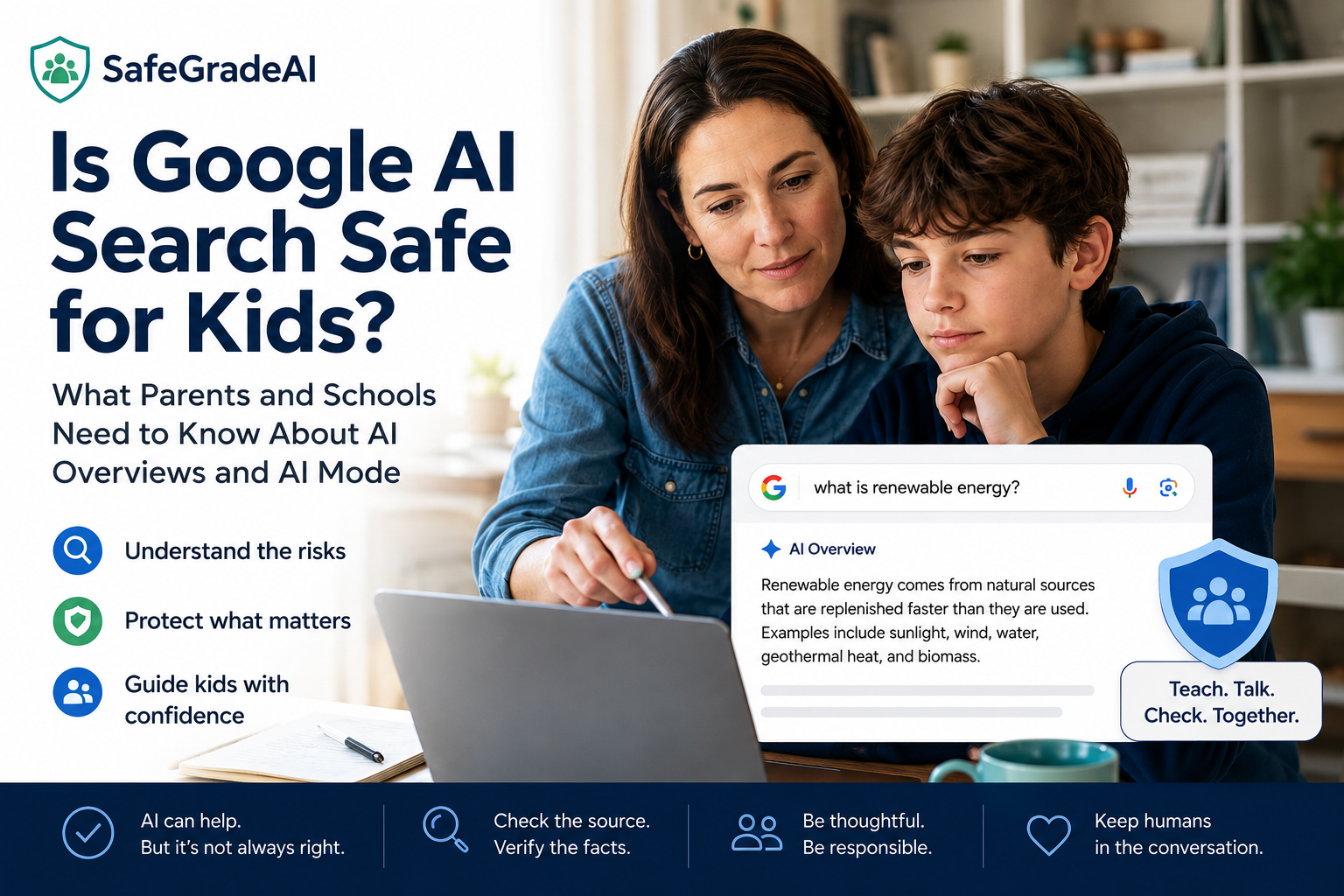
Is Google AI Search Safe for Kids?
What parents and schools need to know about Google AI Overviews, AI Mode, accuracy, homework, and supervision.
- Independent
Evaluations - Age-Appropriate
Recommendations - Privacy & Safety
Transparency
At a Glance
Google Search isn't quite the same Google many of us grew up using — or even the Google our children were using a few years ago. Google now places AI-generated information directly into Search through AI Overviews, and offers a more conversational search experience through AI Mode.
For kids, that matters. Instead of simply receiving a list of websites and deciding which sources to open, children may now receive an AI-generated answer before they visit a single source.
Recent research from Common Sense Media's Youth AI Safety Institute rated Google Search's AI Overview and AI Mode an “Unacceptable Risk” for children, citing concerns involving inaccurate information, inappropriate responses, homework assistance, and responses to sensitive situations.
SafeGrade AI's recommendation: Parents and schools should not assume that because AI appears inside a familiar product like Google Search, it carries the same level of reliability or child-safety protections they may associate with traditional search.
Children should be taught to treat AI-generated search answers as a starting point — not an authority.
Google Search Has Changed
As both a parent and a former teacher, I think this is the part that's easy to miss.
For years, we've told children: “Look it up.” Or: “Google it.” We knew they would get a page of search results, and part of learning how to research was figuring out which result to trust. Who wrote it? Was it a reliable source? Did another source say the same thing? Is this fact or opinion?
Those are important research skills. But increasingly, Google is doing some of that work for the user.
Google's AI Overviews can provide an AI-generated summary directly within search results. Google says these summaries are intended to help people quickly understand information from multiple sources.
Google also offers AI Mode, which goes further. Instead of performing one search and receiving results, users can ask follow-up questions and continue a conversation with Google's AI-powered search system.
That changes the experience from Search → Evaluate Sources → Learn to something that can look more like Ask → Receive an Answer.
For adults, that distinction matters. For children who are still learning how to judge evidence and credibility, it matters even more.
Why Parents Should Pay Attention
This isn't a small or unusual way that kids are using AI.
According to the 2026 Common Sense Media Census on AI use by tweens and teens, 75% of children ages 9–17 have used or interacted with AI-generated summaries in search-engine results. In fact, AI-generated search summaries were the most common type of AI interaction reported by children in the study.
That means your child may be interacting with generative AI even if they:
- don't have ChatGPT
- don't use Gemini
- haven't downloaded an AI app
- don't think of themselves as “using AI”
They may simply be Googling something. That's why I think Google AI Search deserves a different kind of conversation at home.
What Are the Main Concerns?
1. AI answers can be wrong. Google itself warns users that its AI responses can make mistakes and recommends checking important information in more than one place.
That's good advice. It's also asking children to do something that many adults struggle to do consistently: recognize when a confident-sounding answer might be wrong.
AI-generated information can sound polished, organized, and authoritative even when there are problems with the underlying answer. For children, presentation matters. If something appears at the very top of Google in a neatly written answer box, a child may reasonably assume: “Google says this is the answer.” We need to teach them that this isn't necessarily true.
2. AI search can short-circuit the research process. This is the educator in me talking. Sometimes the struggle to find the answer is part of the learning.
When students open several sources, compare information, decide which evidence is stronger, summarize what they've learned, and form their own conclusion, they're doing much more than gathering facts. They're practicing:
- reading comprehension
- critical thinking
- source evaluation
- synthesis
- judgment
- writing
- persistence
An AI-generated summary can be incredibly convenient. But convenience and learning aren't always the same thing. If the AI simply gives a student a polished answer before the student has done any thinking, we should ask: what part of the learning process did the student just skip?
3. Homework becomes complicated. A child might think, “I didn't use ChatGPT. I just Googled it.” But if Google provides an AI-generated answer — or the student moves into AI Mode — the distinction becomes much less clear.
Common Sense Media's recent testing found that Google's AI search features readily completed school assignments presented to them. That doesn't mean every use of AI Search for homework is inappropriate. A student might use it to understand an unfamiliar term, brainstorm search terms, find sources, ask for another explanation of a concept, or identify areas to research further. Those can be legitimate learning uses.
But asking AI to complete the assignment is different. Families and teachers need expectations based on what the student is asking AI to do, not simply which website or app they're using.
A Simple Rule I Would Teach Kids
Here's the rule I would use at home and in a classroom: AI can help you find the path. It shouldn't do the thinking for you.
Before accepting an AI-generated answer, teach your child to ask:
- Where did this information come from?
- Can I confirm it somewhere else?
- Do I understand the answer well enough to explain it myself?
- Am I using AI to help me learn — or to avoid doing the work?
Those four questions cover a surprising amount of ground.
What Parents Can Do Right Now
You don't need to become an AI expert. You do need a few basic family habits.
1. Show your child what an AI Overview looks like. Sit together and Google a question. Point out the AI-generated section and explain: “This was generated by AI. It may be useful, but that doesn't automatically make it correct.” Many children may not even realize there's an important difference.
2. Practice checking the source. Pick one claim from an AI Overview and follow the supporting links. Who published this? Is this a trustworthy source? Does the source actually support what the AI said? Can we confirm it somewhere else? Make verification part of the search process.
3. Create a “two-source rule.” For important facts — especially health, safety, schoolwork, or anything that seems surprising — require your child to confirm the information using at least two reliable sources.
4. Separate research help from answer generation. A useful family rule might be: you can use AI to help you understand the question, but not to secretly complete work you're expected to do yourself. Teachers may have different policies, so students should always follow the rules established for the assignment.
5. Use supervised Google accounts where appropriate. Google provides parental supervision through Family Link, and SafeSearch filtering is enabled and locked by default for supervised child accounts. Those protections are still worth using. But parents should understand that traditional parental controls and AI-generated search answers are not necessarily the same thing. SafeSearch is primarily designed to help filter explicit search results; it shouldn't be treated as a guarantee that every AI-generated response will be appropriate or accurate.
6. Be especially careful with sensitive questions. Children should know that an AI-generated search answer is not the right place to rely on for serious personal guidance involving mental health, self-harm, eating disorders, abuse, drugs, medical emergencies, or other high-risk situations.
Is Your Child Already Using AI?
They probably are — even if they aren't using ChatGPT.
SafeGrade AI's Free Family AI Safety Course + Starter Pack gives parents practical guidance for setting AI boundaries, talking with children about AI, and making safer decisions about the tools their kids use.
What Schools Should Know About Google AI Search
Schools face an especially difficult version of this problem. A district can create a policy about ChatGPT. It can approve or reject a particular AI platform. It can establish rules around generative AI assignments. But what happens when generative AI becomes part of the basic search experience students already use?
That is where AI governance becomes more complicated. Schools should consider at least four questions.
Are students being taught to recognize AI-generated search results? AI literacy should include AI built into existing products — not only standalone chatbots.
Do teachers have consistent expectations? One teacher may consider Google Search traditional research while another may recognize that students are receiving AI-generated answers. That ambiguity creates problems for both students and educators.
Are assignment policies based on the task rather than the brand? “Don't use ChatGPT” is becoming an increasingly incomplete rule. A better question is: what kinds of AI assistance are appropriate for this assignment?
Is the school reviewing AI features as they change? Google Search today isn't necessarily the same product it was when a school's technology policies were written. The same is true for many AI-enabled platforms. Features change. Safeguards change. Data practices change. Capabilities change. School AI governance has to account for that — the seven-part framework in our guide to what schools should evaluate before approving an AI tool is a good starting point, and our published evaluation methodology explains how SafeGradeAI scores each tool.
Evaluating AI for Your School?
School Pro gives schools independent AI evaluations and ongoing governance intelligence to support better AI decisions.
Help your school evaluate emerging tools, understand important risks and safeguards, develop clearer guidance, and keep up as AI products and policies evolve.
Independent evaluation. Ongoing governance. Better AI decisions.
Google AI Search vs. Gemini: What's the Difference?
This distinction is worth explaining to children. Google Search with AI integrates generative AI into the search experience through features such as AI Overviews and AI Mode. Gemini is Google's standalone AI assistant.
They may use related Google AI technology, but they're not the same product or experience. Our Gemini for Education evaluation covers the standalone assistant in detail.
Google provides parents with controls over a child's access to Gemini through Family Link. Google also states that its filters are designed to limit inappropriate content for children while acknowledging that those filters aren't perfect.
That means parents shouldn't assume: “I turned off Gemini, so my child isn't interacting with Google AI.” AI is increasingly becoming a feature inside products children already use. That is one of the biggest shifts parents and educators need to understand.
The Bigger Lesson for Families
I don't think the answer is to tell children they can never use Google Search. I also don't think we should pretend AI-powered search has no value. There are times when an AI-generated overview can make a complicated subject easier to understand or help someone figure out where to begin researching.
The goal isn't to make children afraid of AI. It's to make them better users of it.
Kids need to understand that AI can be helpful without always being correct, confident without actually knowing, convenient without necessarily helping them learn, and available without always being appropriate.
That's AI literacy. And as AI becomes less visible — built into search engines, productivity tools, learning platforms, phones, and everyday software — that kind of judgment is going to matter more, not less.
Family habits for AI-powered search
SafeGrade AI Recommendation
Google's AI-powered Search features can be useful, but parents and schools should not treat AI-generated answers as automatically reliable or age-appropriate simply because they appear inside Google.
Use AI-generated search answers as a starting point.
Check important information against reliable sources.
Don't outsource the thinking you're supposed to be learning to do.
Don't rely on AI for serious personal, health, or safety guidance.
Keep adults in the conversation.
FAQs
Learn More
Where to go next, for families and for schools.
The “Unacceptable Risk” rating for Google Search's AI Overview and AI Mode referenced in this article is Common Sense Media's Youth AI Safety Institute finding, not a SafeGrade AI rating. SafeGrade AI provides independent educational technology evaluation and informational resources and does not provide legal advice.
